Follow your project
Go to Your projects → Projects and click a project to open it.
Stage and progress
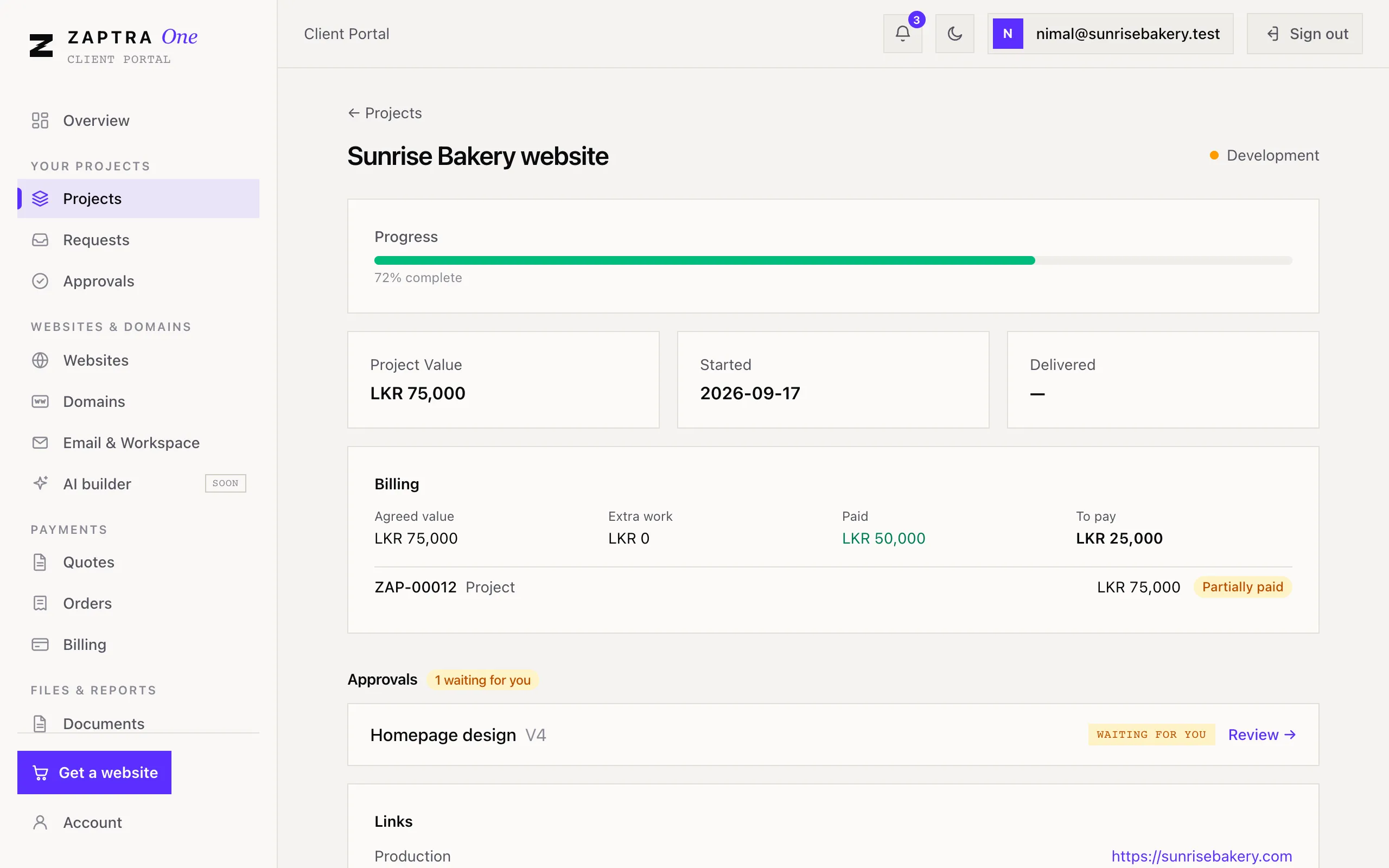
Section titled “Stage and progress”At the top you’ll see the project’s stage and how far along it is (for example Development · 60% complete). Projects move through these stages:
| Stage | What’s happening |
|---|---|
| Discovery | We’re learning what you need |
| Design | We’re designing how it will look |
| Development | We’re building it |
| Review | It’s ready for you to check |
| Live | It’s published |
| Completed | The project is finished |
| On hold | Paused, usually while we wait for something |
You’ll also see the project’s value and the dates it started and was delivered.
What’s on the project page
Section titled “What’s on the project page”- Billing (Owner and Finance): the agreed value, any extra work billed since, what’s paid and what’s still to pay, with each invoice.
- Approvals: demos waiting for your decision. See Approve your website.
- Links: the live (Production) and preview (Staging) addresses of your site.
- Websites and Files on this project. See Share files with us.
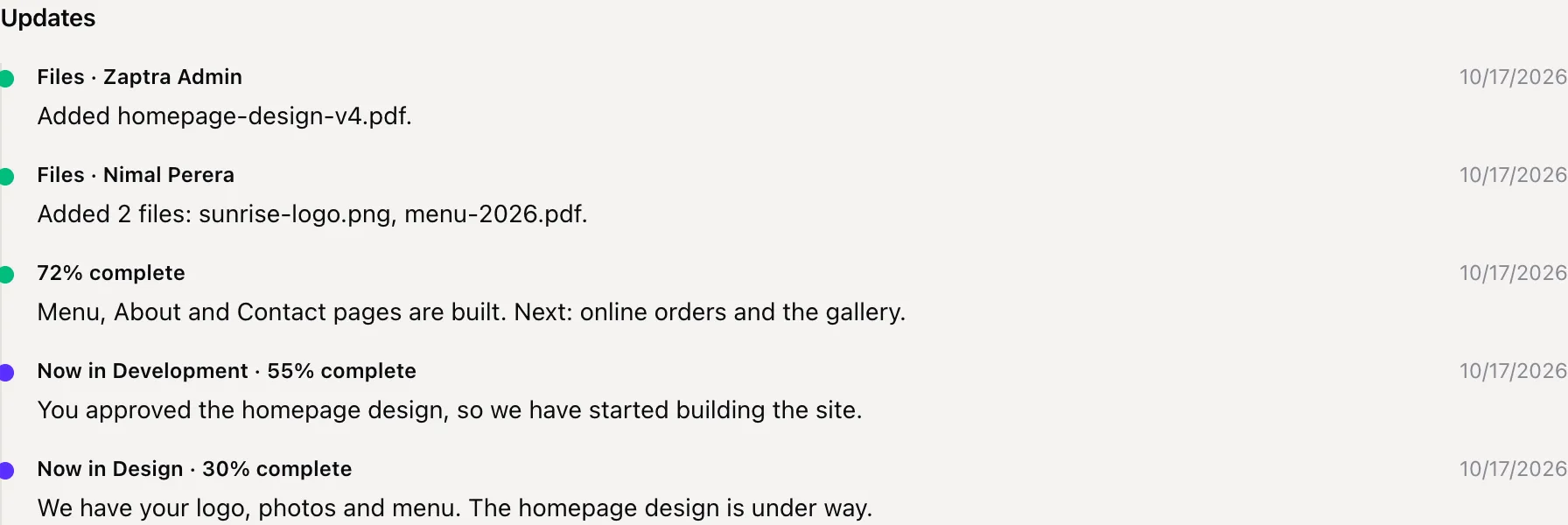
- Updates: a timeline from our team, newest first. Each stage change, progress update and new invoice appears here. Click Show older updates to see more.