

Sign in to Zaptra One
Zaptra One is your client portal at one.zaptra.co. It’s where you follow your project, approve work, pay invoices and manage your domains and email.
Your first sign-in
Section titled “Your first sign-in”When we set up your account, you get an email from Zaptra with a link to choose your password.
- Open the email and click the link.
- Type a password of at least 8 characters, twice.
- You’ll see Password set. Go to the sign-in page and sign in with your email and the new password.
Sign in
Section titled “Sign in”- Go to one.zaptra.co.
- Enter the email address we invited and your password.
- Click Sign in.
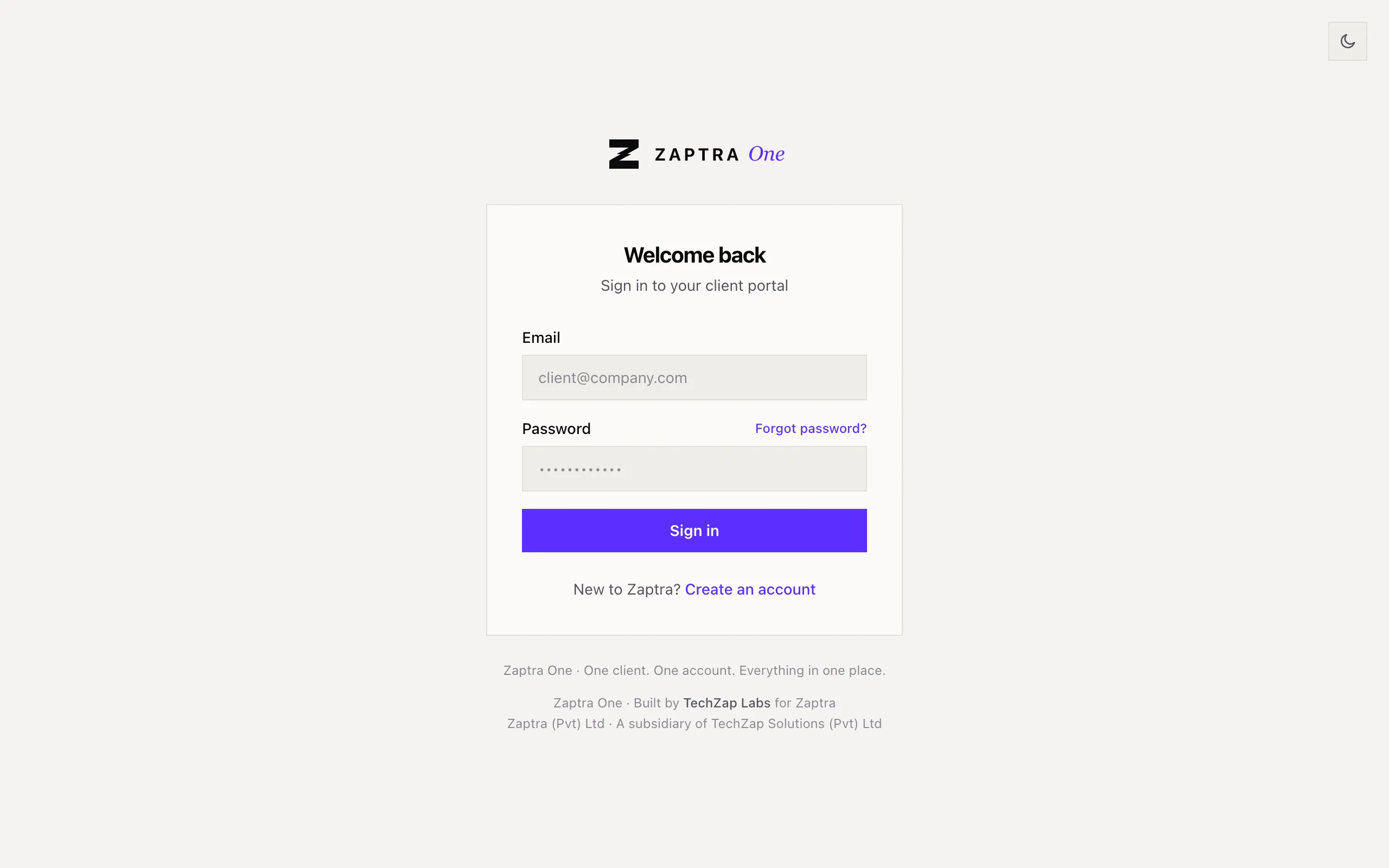
If you see Incorrect email or password, check the email address is the one we invited, then try again or reset your password.
Forgot your password?
Section titled “Forgot your password?”- On the sign-in page, click Forgot password?
- Enter your email and click Send reset link.
- Open the email from Zaptra and click the link. Check your spam folder if it isn’t in your inbox.
- Choose a new password and sign in.
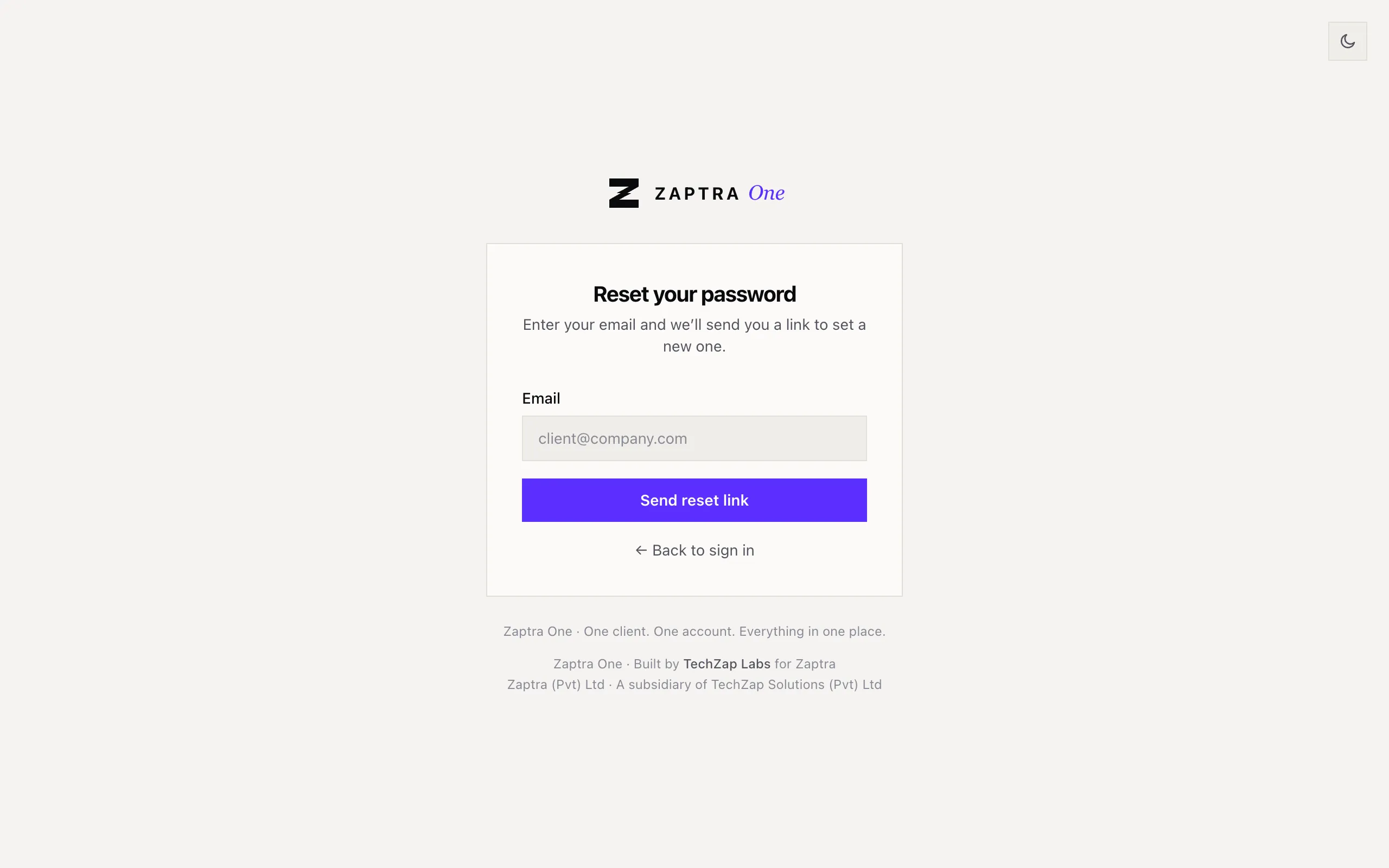
For your security, the page always says a link is on its way, even if the email address has no account. If nothing arrives after a few minutes, check you used the address we invited.
Change your password
Section titled “Change your password”Once you’re signed in, click Account at the bottom of the menu. Under Change password, enter your current password and the new one twice, then click Update Password.