

Buy a domain
A domain is your web address, like yourbusiness.lk or yourbusiness.com.
Search and order
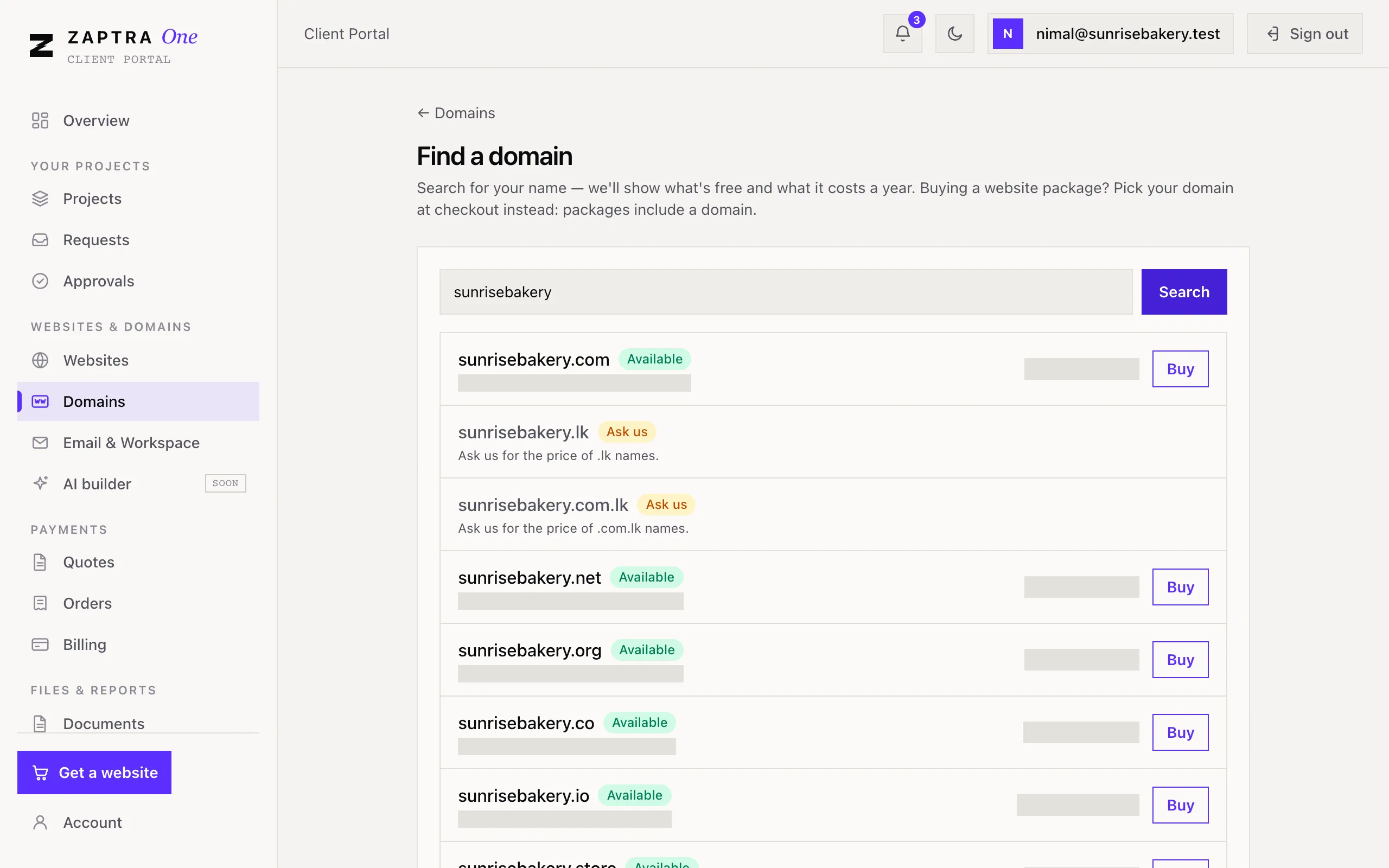
Section titled “Search and order”- Go to Websites & domains → Domains and click Find a new domain.
- Type your business name or the domain you want, and click Search.
- Each result shows whether it’s free, the price for the first year, and what it renews at each year. Choose one that’s available.
- Fill in the Domain owner details: name, business name, email, phone and address. The domain is registered in this name, so you own it.
- Add anything we should know, then click Order.
You’ll get an invoice to pay by bank transfer. See Pay an invoice. We register the domain once your payment is confirmed.
Your domains
Section titled “Your domains”Domains lists each one with its status and expiry date:
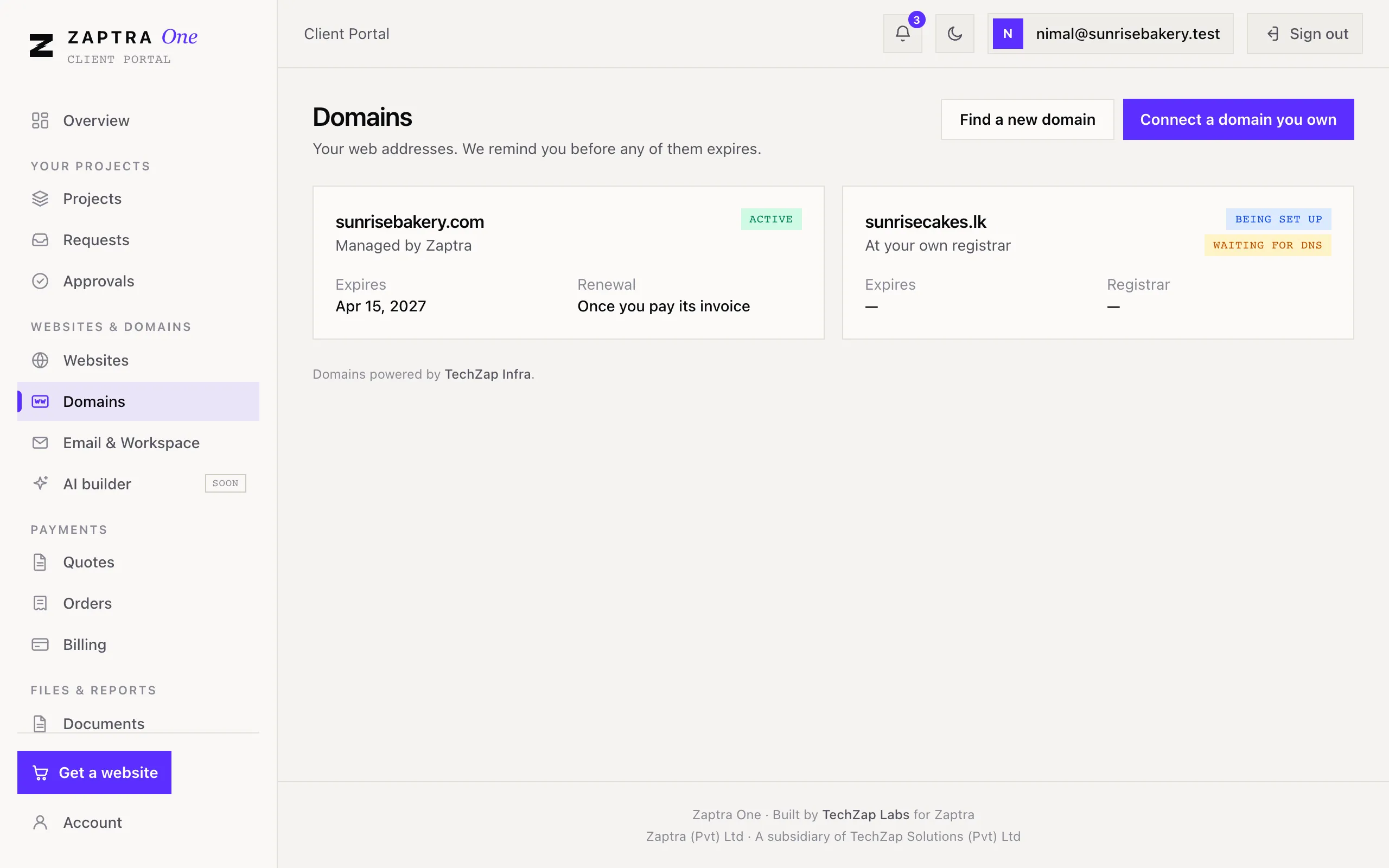
| Status | Meaning |
|---|---|
| Being set up | We’re registering or connecting it |
| Active | It’s working |
| Expired | Its registration has run out |
| No longer managed | Zaptra no longer manages or serves it |
Renewals
Section titled “Renewals”Domains are registered for a year at a time. For domains Zaptra manages, we send a renewal invoice before the expiry date, and the domain is renewed once you pay it. When a domain is within 30 days of expiring, its card warns you.
If a domain expires, your website and email on it stop working, so pay renewal invoices on time.