

Who can do what
Everyone on your team signs in with their own email. Each person has one role, which decides what they see and what they can do.
| Role | Projects, requests, approvals | Quotes, orders, billing |
|---|---|---|
| Owner | See and act | See and act |
| Finance | Not shown | See and act |
| Marketing | See and act | Not shown |
| Viewer | See only | See only |
- Act on projects means sending requests, approving demos or asking for changes, adding files, and connecting domains.
- Act on billing means accepting quotes, placing orders, and uploading bank slips for invoices.
- Everyone can see Overview, Quotes, Email & Workspace, Documents, Reports and their own Account.
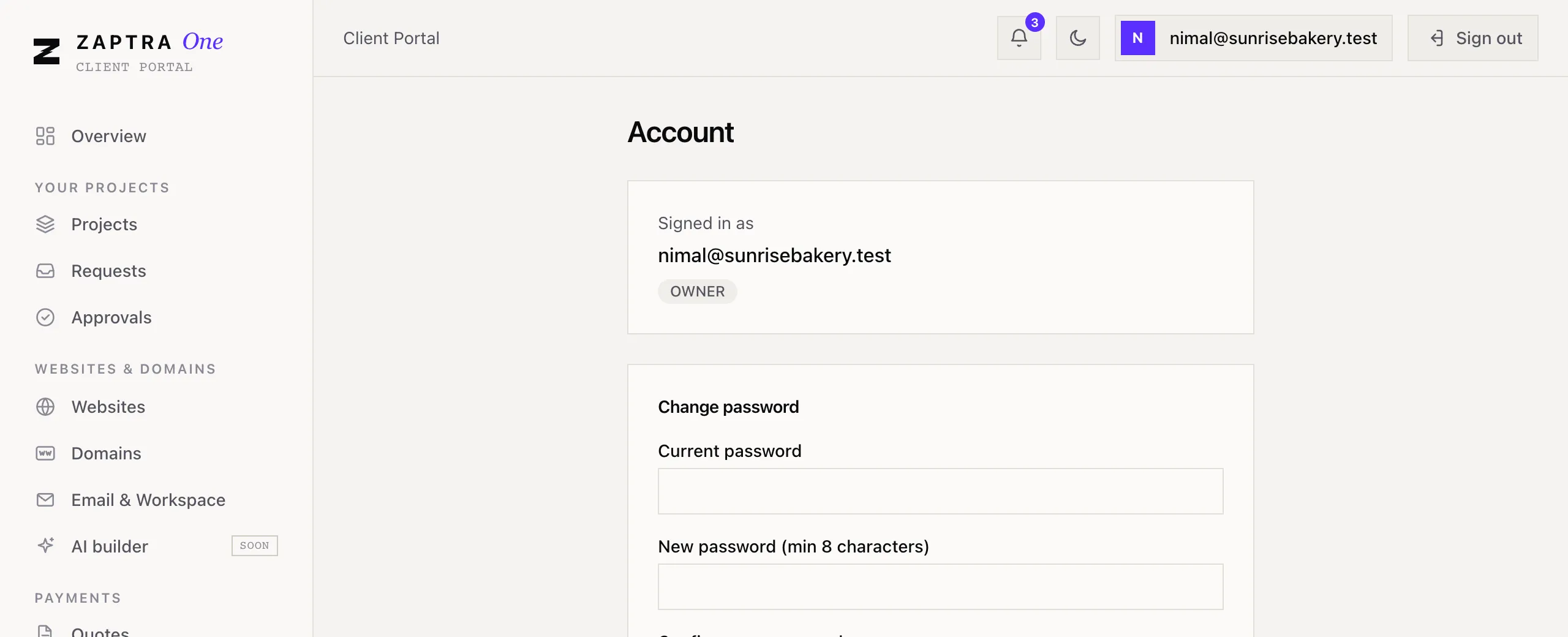
Your role is shown on the Account page, under your email.
Adding someone to your team
Section titled “Adding someone to your team”To add a person or change someone’s role, contact us and tell us their name, email and the role they need. We’ll send them an invitation email to set their password.